
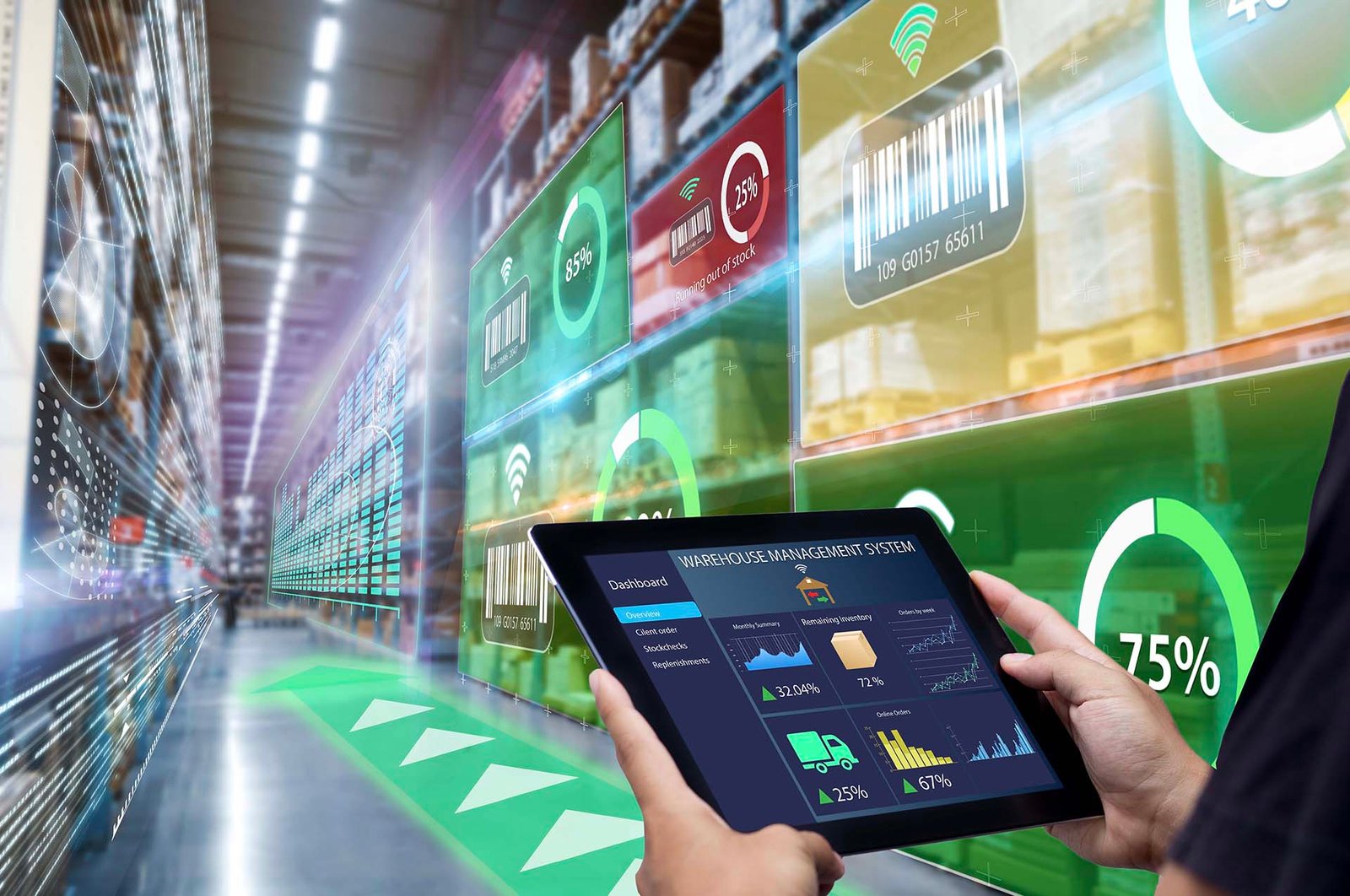

Setup, Configuration & Automation for Shopify Dropshipping
🚀 Why DSers is a Must-Have for Shopify Dropshippers
DSers is the official AliExpress dropshipping partner and arguably the most advanced app for:
- Automating product imports
- Managing multiple suppliers
- Syncing orders and tracking
- Setting pricing rules at scale
If you’re using AliExpress as a primary source, DSers is the tool you want — fully integrated with Shopify, beginner-friendly, and scalable.
🧩 Step 1: Install DSers and Connect Your Shopify Store
- Visit the Shopify App Store
- Search for DSers – AliExpress Dropshipping
- Click Add App and follow the prompts
- Create your DSers account (free plan available)
- Authorize the integration with your Shopify store
💡 Make sure to use the same email for both Shopify and DSers for seamless syncing.
🔌 Step 2: Link DSers to AliExpress
- Log into your AliExpress account
- In DSers, go to Account > Authorize AliExpress
- Follow the authorization prompt to sync accounts
✅ Once linked, DSers can automatically place and fulfill orders using your AliExpress account.
📦 Step 3: Find and Import Products from AliExpress
- In DSers dashboard, go to “Find Products”
- Browse by keyword or category
- Click “Add to Import List” for products you like
You can also use the DSers Chrome Extension:
- Install from Chrome Web Store
- Browse directly on AliExpress.com
- Click “Add to DSers” when you find a good product
🛠 Step 4: Edit Products Before Importing to Shopify
Before pushing to your store, go to Import List and edit:
- ✅ Title (make it readable and brand-friendly)
- ✅ Description (rewrite with benefits, not just specs)
- ✅ Variants (keep only popular sizes/colors)
- ✅ Images (remove supplier logos, upload custom visuals)
💡 Use tools like Canva or Pixlr for quick image editing.
Once ready, click “Push to Store” and the product appears in your Shopify dashboard.
💰 Step 5: Set Up Smart Pricing Rules
Instead of manually pricing each item, let DSers do it automatically.
- Go to Settings > Pricing Rules
- Choose a multiplier or markup strategy
Example Rule:
- Product Cost: $0–$10 → Markup 2.5×
- Product Cost: $10–$30 → Markup 2.2×
- Product Cost: $30+ → Add fixed $10 profit
DSers will automatically calculate:
- Compare at price
- Sale price
- Retail price
✅ Keeps your margins consistent, even at scale
🚚 Step 6: Configure Shipping & Supplier Preferences
Choose Shipping Method:
Go to Supplier Optimizer
- Prioritize AliExpress Standard Shipping or ePacket for US/EU
- Set fallback shipping options
Preferred Supplier Mapping:
- If a product has multiple suppliers, choose your preferred one
- Avoids conflicts or shipping delays
💡 DSers automatically switches to backup suppliers if stock runs out.
📤 Step 7: Automate Order Fulfillment
Once a customer buys from your store:
- Order appears in DSers > Orders
- Click “Place Order” (manual or bulk)
- DSers auto-fills buyer info in AliExpress
- After supplier ships, tracking info auto-updates in Shopify
For Full Automation:
- Upgrade to DSers Advanced plan
- Enable Auto Order Placement
- Enable Auto Sync Tracking Numbers
📊 Step 8: Monitor and Optimize Performance
Track:
- Fulfillment status
- Processing times
- Tracking reliability
- Supplier behavior
🧠 Replace underperforming suppliers early and prioritize those with local warehouses (US/EU).
🔧 Bonus Features Worth Exploring
| Feature | Benefit |
|---|---|
| Bulk Ordering | Fulfill hundreds of orders at once |
| Split Orders | Ship from multiple suppliers if needed |
| Variant Mapping | Match product variants across suppliers |
| Bundle Products | Combine products into one listing |
✅ DSers Setup Checklist
Installed DSers and connected to Shopify
Authorized AliExpress account
Created pricing rules
Set preferred shipping options
Imported 5–10 optimized products
Enabled auto-tracking sync
- Performed a test order
🎯 You’re now ready to run your store efficiently with minimal manual work.
Need help ? Contact Us info@salpersfirst.ch or visit salpersfirst.ch
🔮 Coming Next: Store Design & Branding That Builds Trust
Now that your products are live and orders are automated, it’s time to focus on how your store looks and feels.
In Blog 7, you’ll learn:
- How to design your homepage
- Creating a cohesive brand identity
- Logo, color palette, and fonts
- Writing an About page that connects with buyers
📩 Follow us on [Instagram] & [Facebook] so you never miss a step in the series.








Leave a Reply
You must be logged in to post a comment.