

🚀 First Impressions Matter — Especially on Product Pages
Your product page is where the buying decision happens. If it’s not clear, persuasive, and trustworthy, even the best products won’t sell.
In this guide, you’ll learn how to:
- Write compelling product titles and descriptions
- Use visuals that build desire
- Structure your page to drive conversions
- Optimize for mobile and performance
- Add trust-boosting elements like reviews and guarantees
🔤 Step 1: Product Titles That Are Clear — Not Cluttered
Avoid generic or overstuffed product titles like:
❌ “Bluetooth Earbuds Wireless Headphones V5.0 Waterproof Noise Cancelling with Charging Case”
✅ Use something like:
“CrystalSound™ Wireless Earbuds – Noise Cancelling & Lightweight”
Quick Tips:
- Keep it under 60 characters
- Use brand + benefit
- Easy to scan on mobile
✍️ Step 2: Product Descriptions That Sell Emotion + Benefits
Your description should focus on solving problems and highlighting benefits, not just technical features.
Ideal Structure:
- Hook – Identify the buyer’s problem
- Benefits – Bullet points that speak to lifestyle or emotions
- Specs – Clear and concise, not overwhelming
- Guarantee – “30-Day Satisfaction Guarantee”
- Call to Action – “Order Yours Today – Limited Stock!”
Example:
Tired of bulky headphones that fall out at the gym?
Meet the CrystalSound™ Wireless Earbuds – ultra-light, noise-canceling, and built for all-day use.
✅ Sweat-resistant and gym-ready
✅ Long battery life
✅ Fast pairing with any device📦 Ships from our US & EU warehouses.
💡 Use AI tools like ChatGPT, Copy.ai, or Jasper to enhance your copy.
🖼️ Step 3: Visuals That Sell — Photos, Videos & Infographics
Product visuals do 80% of the selling online.
Must-Haves:
- Clean white background photos
- Lifestyle shots (in use)
- Close-ups of features
- Short demo video or animated GIF
- Feature infographics
Tools to Use:
- Canva – Make product infographics
- Veed.io – Create short videos
- TinyPNG – Compress images without losing quality
💡 Remove watermarks from supplier images and compress large photos for faster loading.
🧩 Step 4: Add Trust & Credibility to the Page
Even with a brand-new store, you can build trust with:
| Trust Element | How to Add |
|---|---|
| ✅ Product Reviews | Use Judge.me or Loox |
| 🛡️ Guarantees | Add icons and bold text |
| 🚚 Shipping Info | Clearly display delivery times |
| 🔄 Return Policy | Link to your policy pages |
| 🙋♀️ FAQ Section | Answer common buyer concerns |
💡 Common FAQs: “Where do you ship from?” “How long does delivery take?” “Do I get a tracking number?”
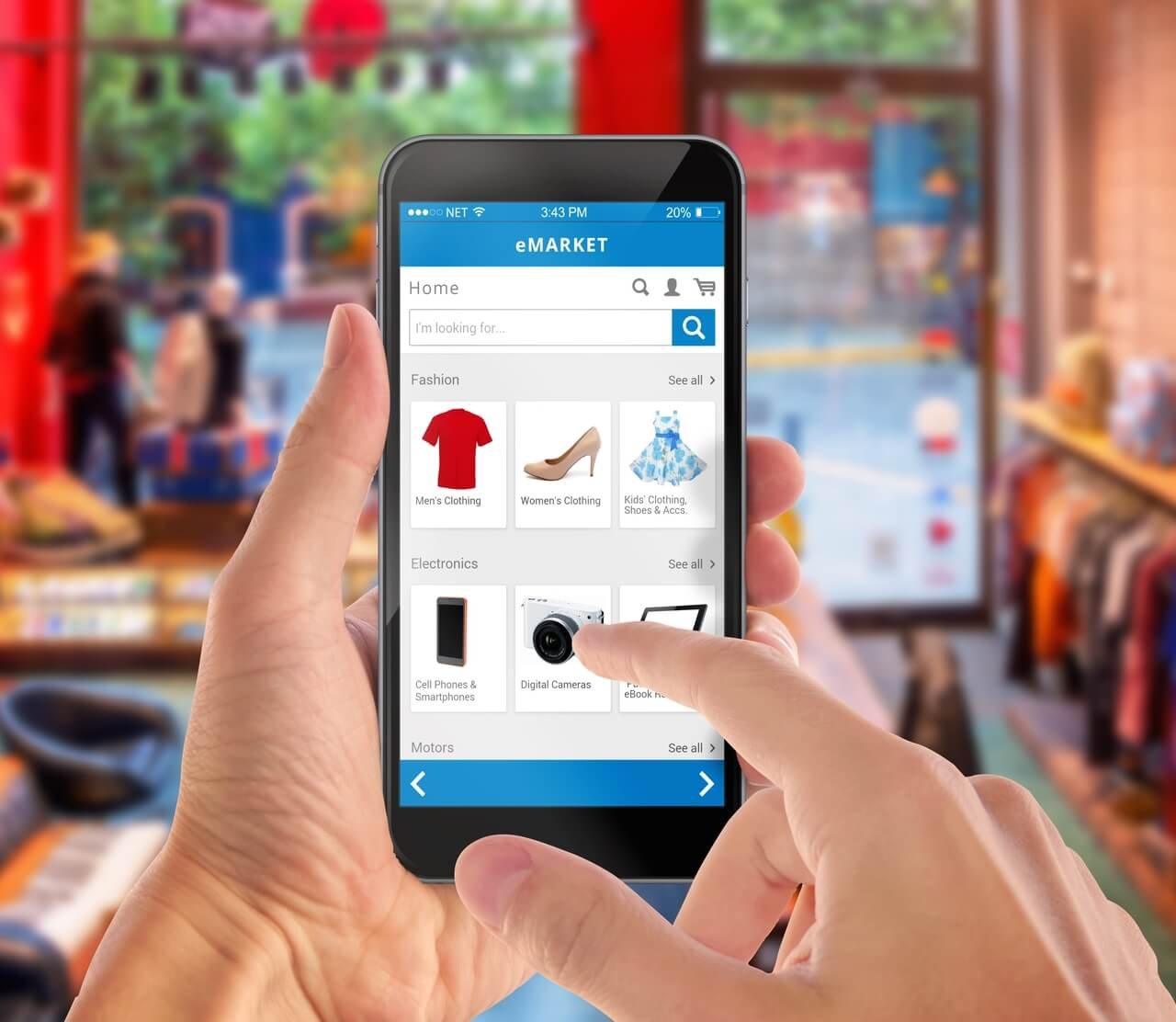
📱 Step 5: Mobile Optimization is a Must
With 75%+ of traffic on mobile, your product page must:
- Load in under 3 seconds
- Display cleanly without cropped images
- Keep the Buy Now button always visible
✅ Use Shopify’s mobile preview
✅ Test on actual mobile devices
⚙️ Step 6: Use These Shopify Apps to Boost Performance
| App | Function |
|---|---|
| Judge.me | Product reviews |
| Vitals | Upsells, bundles, timers |
| PageFly / GemPages | Custom page design |
| Trust Badges Bear | Visual trust icons |
| Bundler | Offer product bundles easily |
💡 Don’t overdo it with apps — start simple and scale smart.
🔁 Bonus: A/B Test to Improve Conversions
After launching, test different:
- Product images
- Headlines
- Button colors
- Price points
Use tools like:
- Shopify A/B Test & Convert
- Google Optimize (Free)
✅ Quick Product Page Checklist
- Clear, benefit-focused product title
- Persuasive, structured description
- High-quality images and video
- Visible trust elements (reviews, guarantees)
- Fast, mobile-optimized layout
- Strong CTA and FAQ section
Need help ? Contact Us info@salpersfirst.ch or visit salpersfirst.ch
🔮 Coming Next: Mastering DSers — Shopify’s Best Dropshipping App
In Blog 6, we’ll walk you through:
- Setting up DSers with Shopify
- Importing and pricing products
- Automating order fulfillment
- Using advanced DSers features for smarter sourcing
📩 Subscribe or follow us on [Instagram] & [Facebook] so you don’t miss it!









Leave a Reply
You must be logged in to post a comment.